
Notices Targeting Guides Pricing FAQ Install app

How to Show a Store Notice to Customers in Specific Countries on Shopify

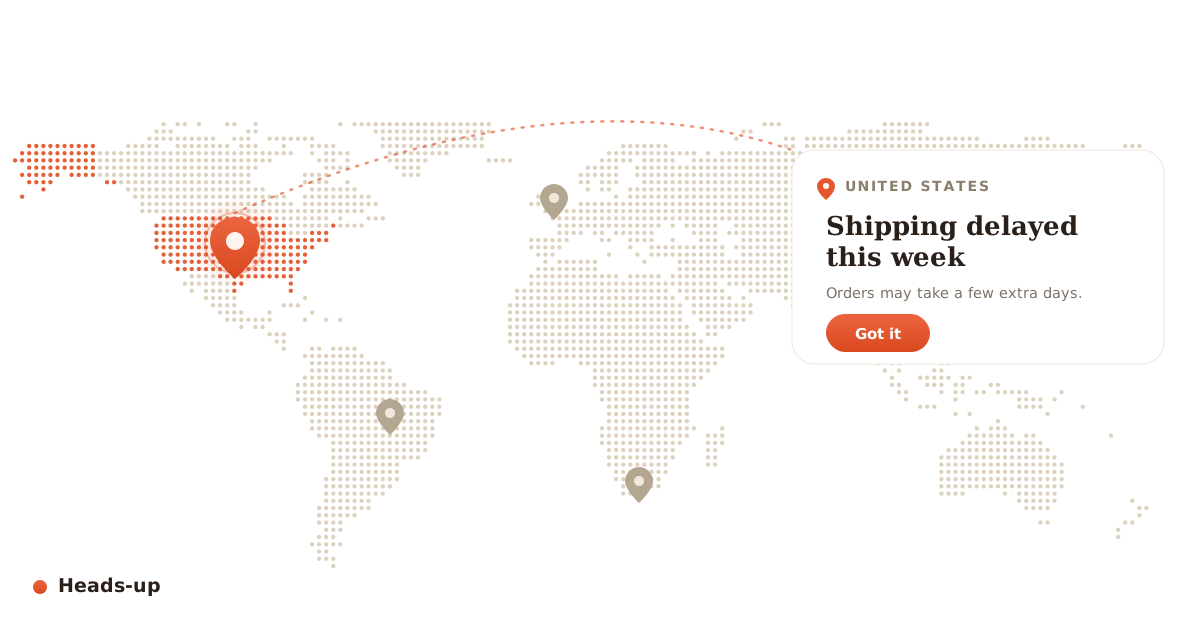
Sometimes you need to tell some of your customers something without showing it to everyone. Maybe shipping to the US is delayed this week, you do not ship to certain countries at all, there is a country-specific promotion, or a region has a compliance notice you are required to display. A single banner across your whole store is the wrong tool for this, because it shows the message to people it does not apply to and trains everyone to ignore it.

This post covers when geo-targeted notices make sense, why a site-wide banner falls short, and how to show the right message to the right country without code.
Why a site-wide banner is the wrong tool

A store-wide announcement bar is fine for something that applies to everyone, like a holiday sale. But use it for a country-specific message and two things go wrong. Customers the message is not meant for get confused or annoyed, and the customers who do need it start tuning out banners entirely because most of what they see is irrelevant to them. Relevance is what makes a notice get read.

Headsup working

Where geo-targeted notices help

  • Shipping and delivery. Warn customers in a specific country about delays, customs, or longer transit times.
  • Countries you do not serve. Tell visitors from regions you do not ship to before they add to cart, not after.
  • Local promotions. Show a discount or free-shipping offer only to the country it applies to.
  • Compliance and legal notices. Display a required message only in the regions that require it.
  • Currency and tax context. Let a region know prices are shown in a certain currency or exclude local tax.

The hard way

Doing this by hand means adding geolocation logic to your theme, detecting the visitor's country, and conditionally rendering a message. That means IP lookup, template edits, and testing across regions you cannot easily browse from. It is real development work, it breaks when you change themes, and getting the geolocation reliable is harder than it looks.

What to look for

  • Targets by country or region, so the right people see the right message.
  • Lets you run several notices at once, each with its own audience.
  • Looks like part of your store and works on mobile.
  • Is easy to schedule or switch off, since most notices are temporary.
  • Loads fast, so it does not slow your storefront or hurt search ranking.

The no-code way

Heads-up shows geo-targeted notices and popups on your Shopify store based on the visitor's country, with no code. You write the message, choose which countries see it, style it to match your store, and it displays only to the customers you picked. You can run more than one at a time, so a US shipping-delay notice and a promo for another region can coexist without stepping on each other.

If you have ever wanted to tell one country something without shouting it at everyone, this is how to do it in a couple of minutes.